 客服热线:
 手机版
 二维码




































True Currency Strength Meter
True Currency Meter with Email and SMS push notifications!
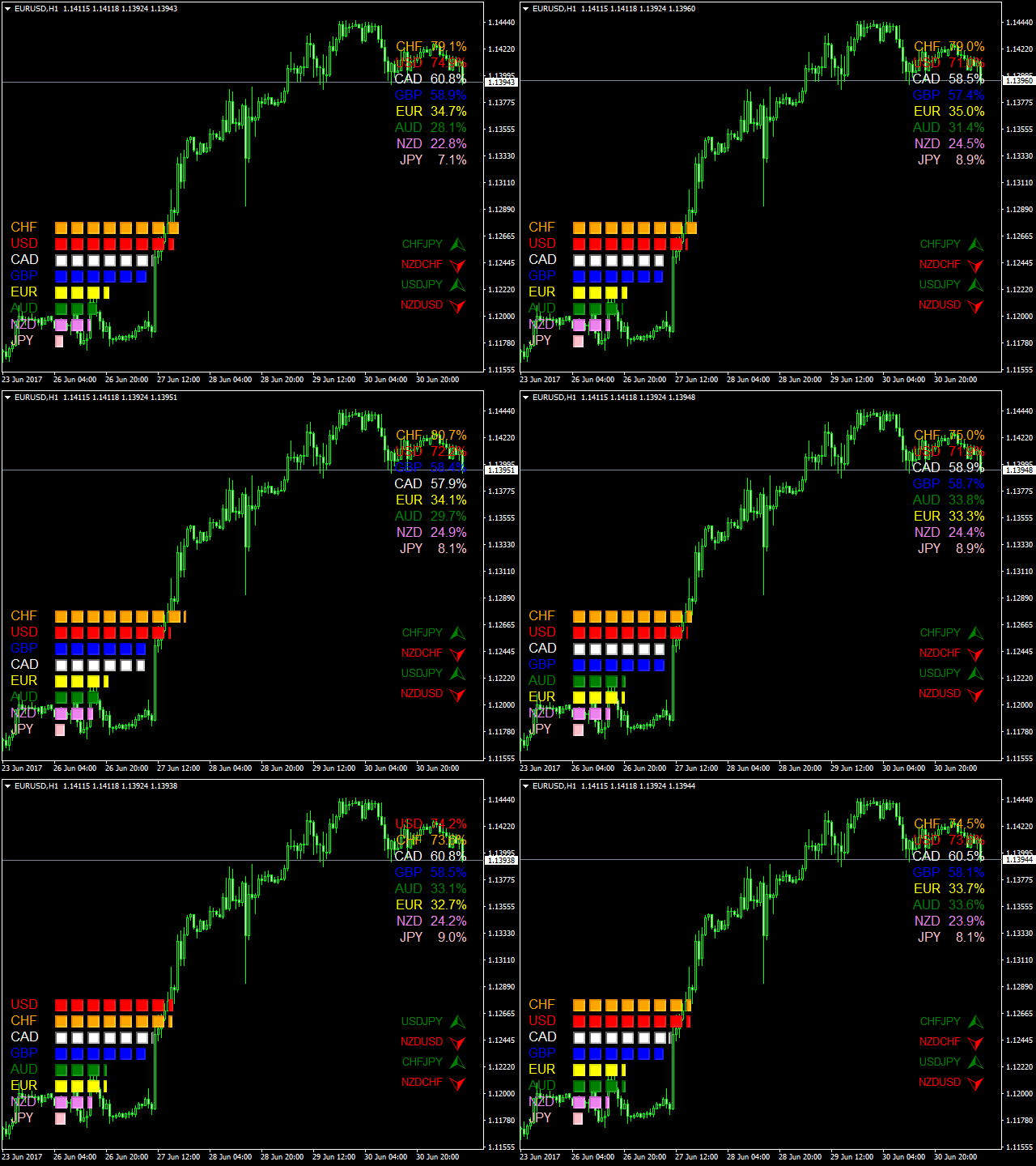
Have you ever wondered why would some pairs would move more than others, and 100 pips on EURGBP is bigger than 100 pips on EURUSD? And during the news, some would move 200 pips but some would only move 150 pips? This is the key to the newly developed "28 pairs" True Currency Strength Meter.
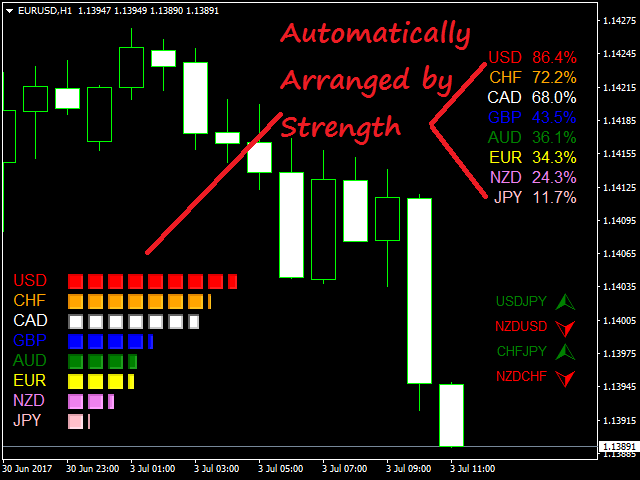
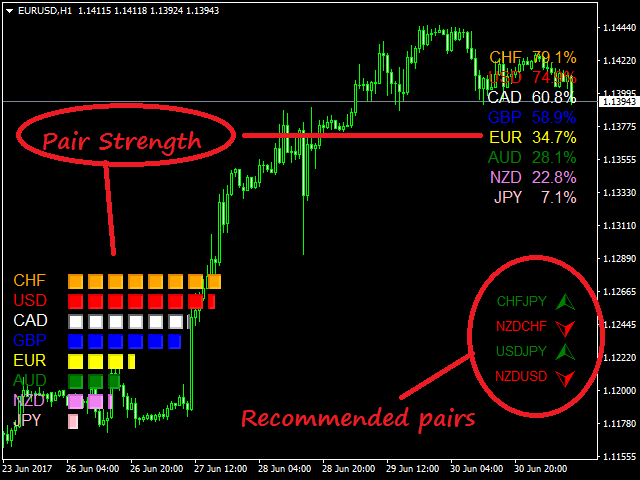
One has to know that all pairs are UNIQUE and are DIFFERENT from each other. "GBP" and "JPY" pairs usually move so fast, but other pairs don't. This is the key to my TRUE CURRENCY METER for a new calculation has been made to balance these 8 Major Currencies. Given that each pair has a different behavior, all of them were balanced in accordance with their market movement, which is basically based on PIPS. A typical Currency Strength meter doesn't even taken into consideration that the VALUE of 100 pips from "EURGBP" can be different from the value of your 100 pips on "EURUSD". But this newly Currency Strength Meter put the calculation into a new level in which all "28 pairs" are calculated with the same bases just to get the Real Strength of EACH CURRENCY. In which, the key to a TRUE currency meter is a "BALANCED CURRENCY STRENGTH METER".
- TIME_frame - Choose the time_frame you want from M1 to Monthly
- PERIOD - input number from 0 to infinite, like 5, 10, 100, 1000 to check the period, *NOTE: putting "0" (zero) means you current candle. Example: D1 with 0 period means the strength on current day candle.
- USD_COLOR - choose color for USD
- EUR_COLOR - choose color for EUR
- GBP_COLOR - choose color for GBP
- AUD_COLOR - choose color for AUD
- CAD_COLOR - choose color for CAD
- NZD_COLOR - choose color for NZD
- CHF_COLOR - choose color for CHF
- JPY_COLOR - choose color for JPY
- Font_1 - Edit your font size for the figures on the upper right side of the indicator.
- Font_2 - Edit your font size for the figures on the lowest left side of the indicator.
- Space_1 - The space between the graph and percentage. This are the spaces on the right side of the indicator.
- Space_2 - The space between the graph and percentage. This are the spaces on the left side of the indicator.
- Shift - Edit the space between the percent and currency on the upper right corner.
- alert
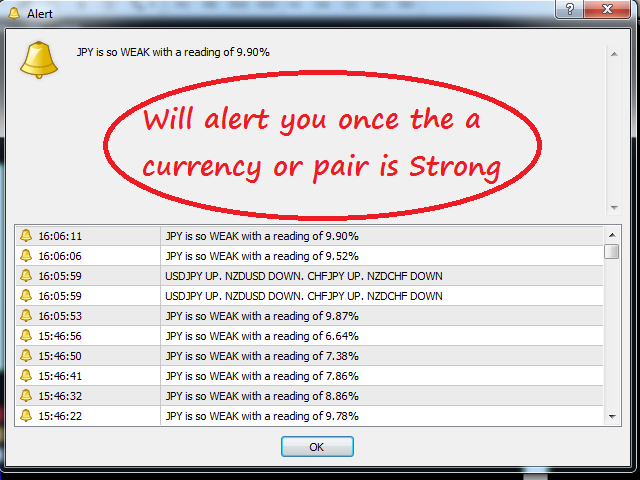
- alert_PAIR - This will alert you if there are two currencies going on different direction. Meaning, one is STRONG the other one is WEAK. This would mean that one currency is above 70% and the other one is below 30%.
- alert_CURRENCY - This will alert you if there is one currency that is strong or weak. Meaning, either it is higher than 70% or lower than 30%.
- alert_PAIR_AND_CURRENCY - A mixture of Pair and Currency alert (new).
- alert_OFF - Choose if you don't want alerts.
- Sound_alert__1 - Choose sound alert when a currency is above 70% (alert_LEVEL_1_STRONG) or below 30% which is (alert_LEVEL_1_WEAK).
- Sound_alert_2 - Choose sound alert when a currency is above 90% (alert_LEVEL_2_STRONG) or below 10% which is (alert_LEVEL_2_WEAK).
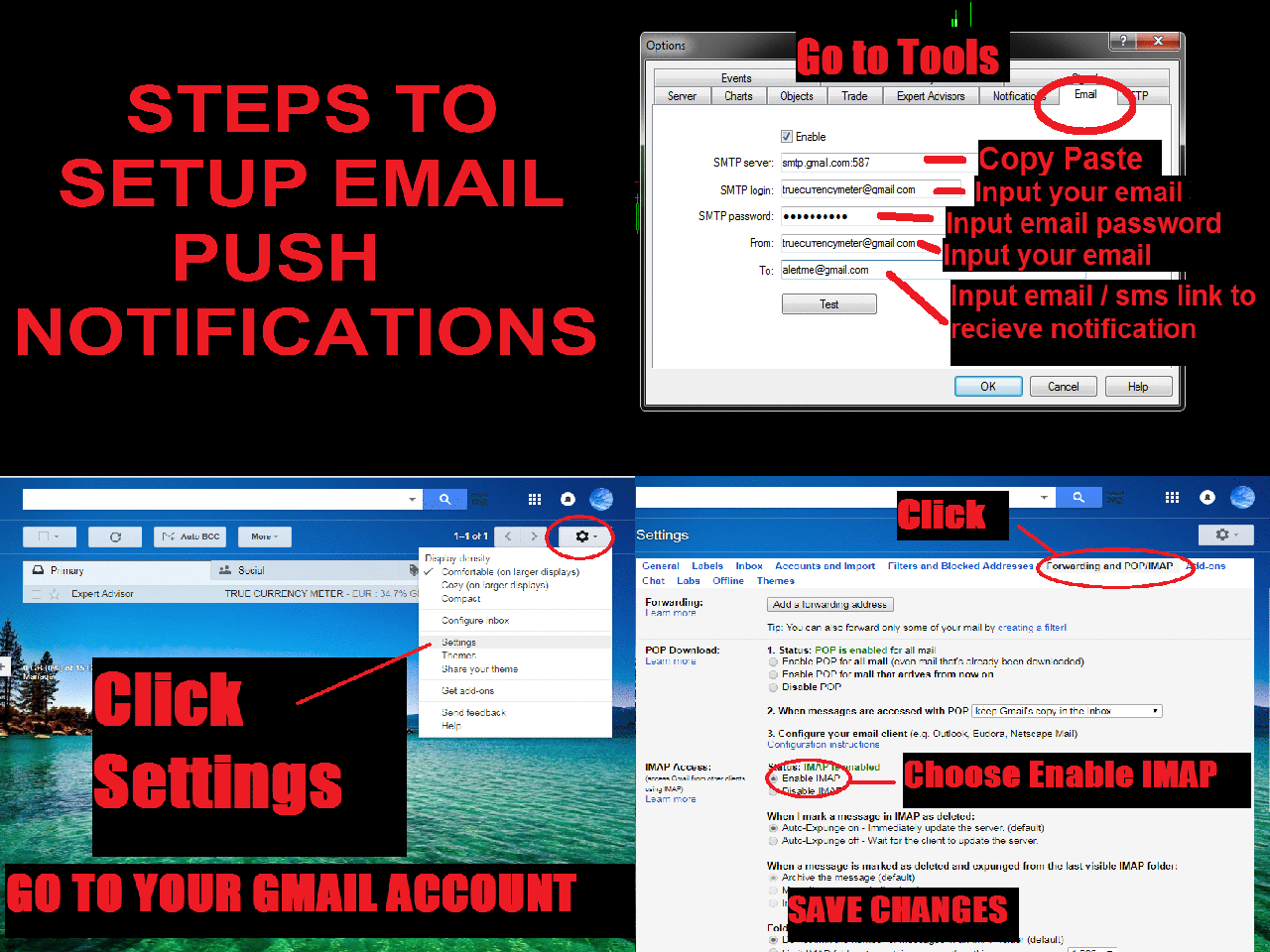
- Email_SMS_NOTIFICATION
- EMAIL_HEADER - Input the Title or Subject of your email or SMS
- EMAIL_alert - Input When do you want to be alerted. This can be based on alert_LEVELS and if you want to be alerted with Pairs or by just Currency Alone.
- metaQUOTES_alert - Turn on or off metaTrader app alert on phone.
- EMAIL_SMS_HOURLY_INTERVAL - The HOURLY interval of alerts. Putting "4" means you will be alerted every 4 hour.
- alert_WHEN_STRONG
- alert_LEVEL_1_STRONG - This is the first level where the Currency is getting STRONG. This must be lower than alert_LEVEL_2_STRONG. By default, its value is 70.
- alert_LEVEL_2_STRONG - This is the second level where the Currency is getting EXTREMELY_STRONG. This must be higher than alert_LEVEL_1_STRONG. You will hear a different sound alert here which can be edited on Sound_alert_1. By default, its value is 90.
- alert_WHEN_WEAK
- alert_LEVEL_1_WEAK - This is the first level where the Currency is getting WEAK. This must be higher than alert_LEVEL_2_WEAK. By default, its value is 30.
- alert_LEVEL_2_WEAK - This is the second level where the Currency is getting WEAK. This must be lower than alert_LEVEL_1_WEAK. By default, its value is 10.
- alert_INTERVAL - This is in seconds. Where you can edit the Interval of alerts like 1 alert tone every 10 seconds.



 nload="if(window.viewGallery_GalleryManager) viewGallery_GalleryManager.ImageonLoad(this,7);" />
本店最新上架
-
- MT4 MT5跟单EA 本地跟单远程跟单 绝不

- ¥1100.00
-
- 在MetaTrader市场购买MetaTrader 5的&#

- ¥3988.00
-
- 在MetaTrader市场购买MetaTrader 5的&#

- ¥3988.00
-
- 在MetaTrader市场购买MetaTrader 5的&#

- ¥3988.00
-
- 在MetaTrader市场购买MetaTrader 5的&#

- ¥3988.00
全网为您推荐
-
- AlgoTradeSoft

- ¥3988.00
-
- 国际期货套利软件

- ¥3988.00
-
- MT4 MT5跟单EA 本地跟单远程跟单 绝不
- ¥1100.00
-
- 在MetaTrader市场购买MetaTrader 5的&#
- ¥3988.00
-
- 在MetaTrader市场购买MetaTrader 5的&#
- ¥3988.00


