 客服热线:
 手机版
 二维码




































YFX Symbol Selector
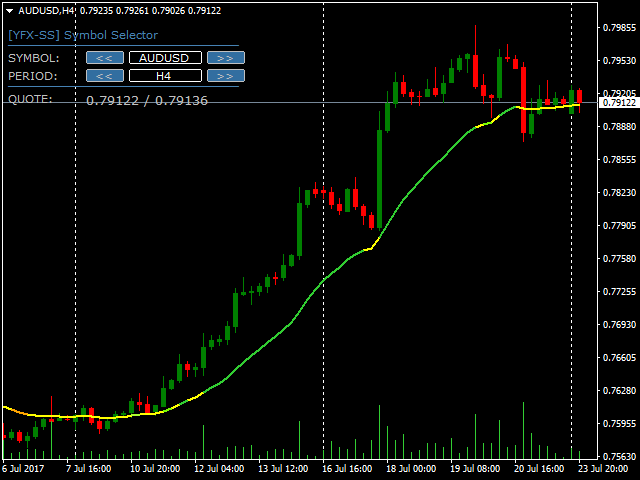
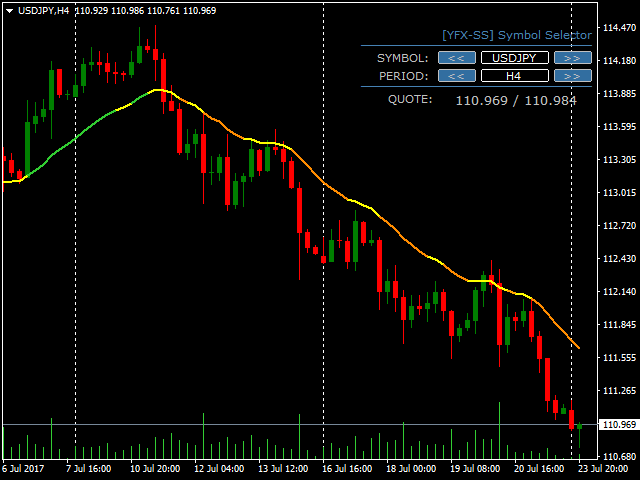
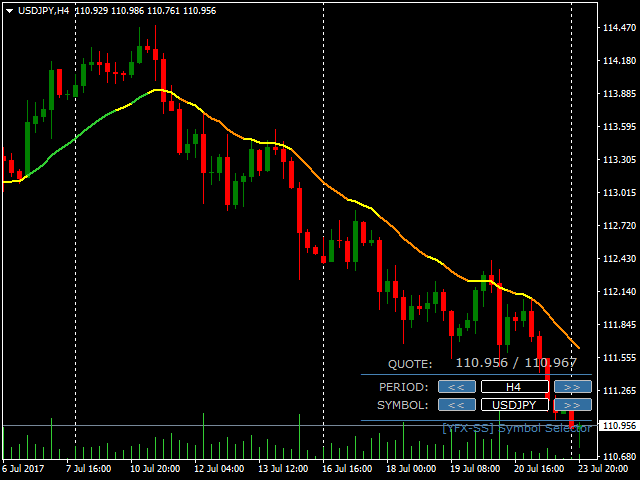
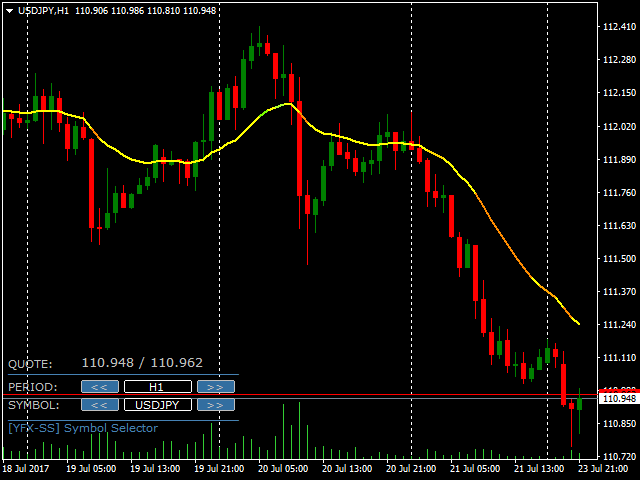
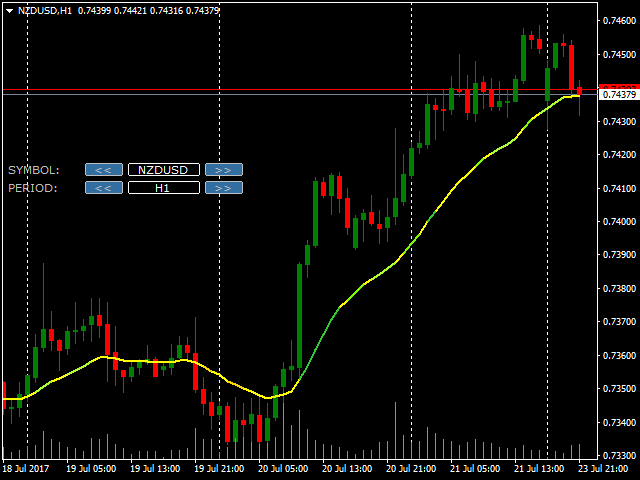
The YFX Symbol Selector indicator is used to easily change the chart symbol and period with a click of a button. This is done by using a selector GUI object that can be placed on any corner of the chart. The GUI selector contains the following information:
- Descriptive header for GUI selector panel
- Symbol information and controls for changing the chart symbol
- Period information and controls for changing the chart period
- Footer containing the current bid/ask quote for the currently selected symbol
All the information can be displayed on the chart so that it can be easily read. The indicator also has parameters that can be set to customize which information is displayed. Parameters are organized into categories:
- Indicator
- Display
- Location
- Font
- Color
Also note that the categories are not mutually exclusive. Information may be applicable to multiple categories but will only be shown in one section for simplicity. All the parameters are assigned to default values that work fine in most cases. It is advised not to change default values until one becomes more familiar with the indicator.
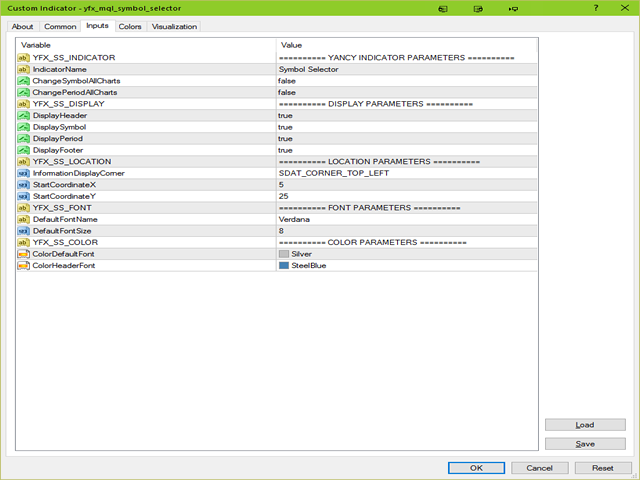
Section: YFX_SS_INDICATOR
- IndicatorName : “Symbol Selector” – Name of the indicator that is included in the name displayed in the data window and also in the GUI selector panel header.
- ChangeSymbolAllCharts : false – Change all the charts to the symbol that is selected on selector
- ChangePeriodAllCharts : false – Change all the charts to the period that is selected on selector
Section: YFX_SS_DISPLAY
- DisplayHeader : true – Display selector header if true
- DisplaySymbol : true – Display symbol information if true
- DisplayPeriod : true – Display period description if true
- DisplayFooter : true – Display selector footer if true
Section: YFX_SS_LOCATION
- InformationDisplayCorner : “SDAT_CORNER_TOP_LEFT” – Choose which corner to place Wing Pattern control panel. The options are self-explanatory. Some locations may require the X and Y coordinates to be modified in order to see the actual panel on the chart.
- StartCoordinateX : 5 – Starting X-coordinate for the Wing Pattern control panel. The value of this parameter is specified in pixels.
- StartCoordinateY : 25 – Starting Y-coordinate for the Wing Pattern control panel. The value of this parameter is specified in pixels.
Section: YFX_SS_FONT
- DefaultFontName : “Verdana” – Font used to display text for indicator. Can be any font available on your system.
- DefaultFontSize : 8 – Size of font used to display text on the chart.
Section: YFX_SS_COLOR
- ColorDefaultFont : “Silver” – Color used to draw text on chart
- ColorHeaderFont : “SteelBlue” – Color used to draw text in header on chart

本店最新上架
-
- MT4 MT5跟单EA 本地跟单远程跟单 绝不

- ¥1100.00
-
- 在MetaTrader市场购买MetaTrader 5的&#

- ¥3988.00
-
- 在MetaTrader市场购买MetaTrader 5的&#

- ¥3988.00
-
- 在MetaTrader市场购买MetaTrader 5的&#

- ¥3988.00
-
- 在MetaTrader市场购买MetaTrader 5的&#

- ¥3988.00
全网为您推荐
-
- AlgoTradeSoft

- ¥3988.00
-
- 国际期货套利软件

- ¥3988.00
-
- MT4 MT5跟单EA 本地跟单远程跟单 绝不
- ¥1100.00
-
- 在MetaTrader市场购买MetaTrader 5的&#
- ¥3988.00
-
- 在MetaTrader市场购买MetaTrader 5的&#
- ¥3988.00


