 客服热线:
 手机版
 二维码




































AMD Exclusive
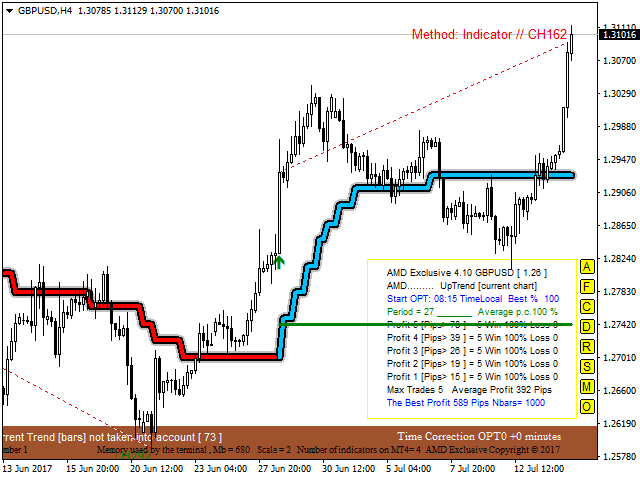
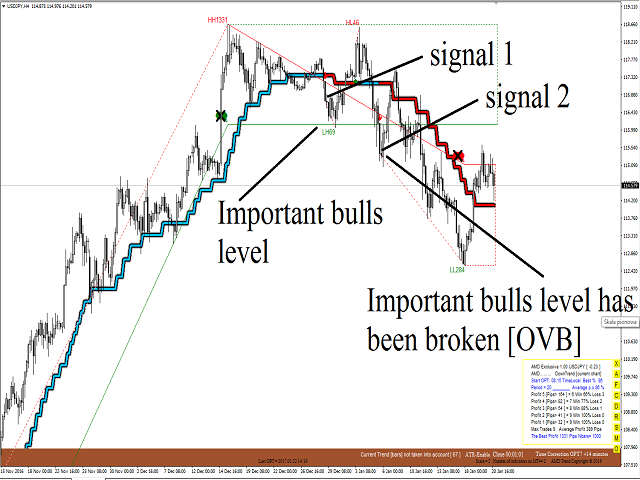
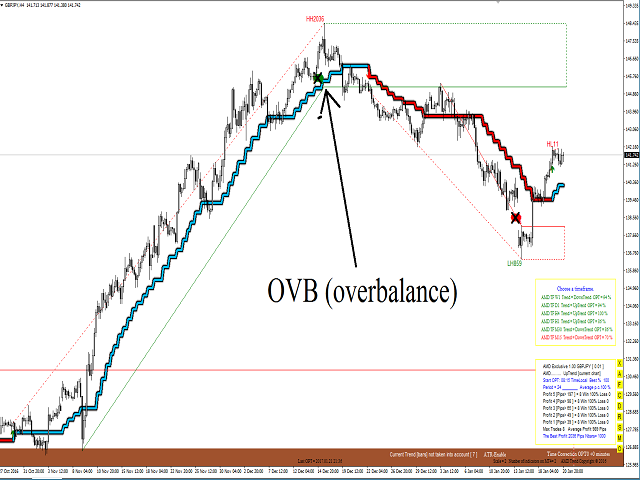
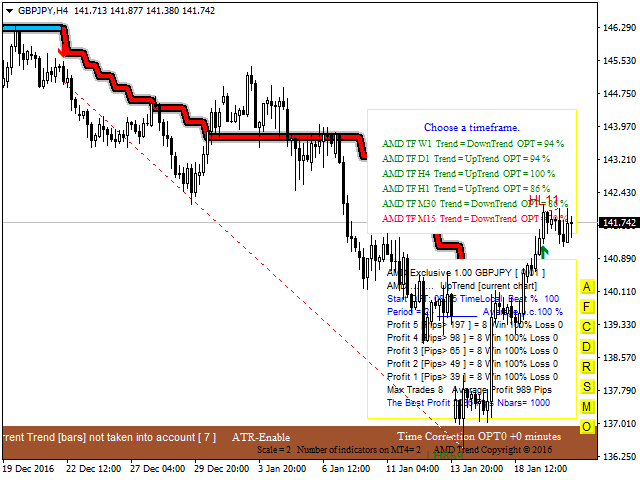
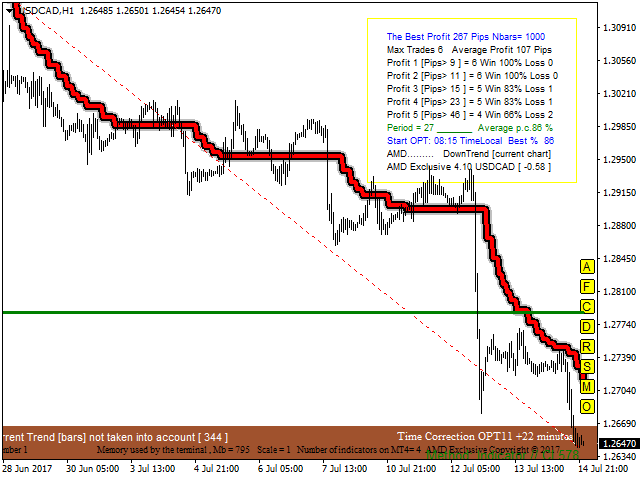
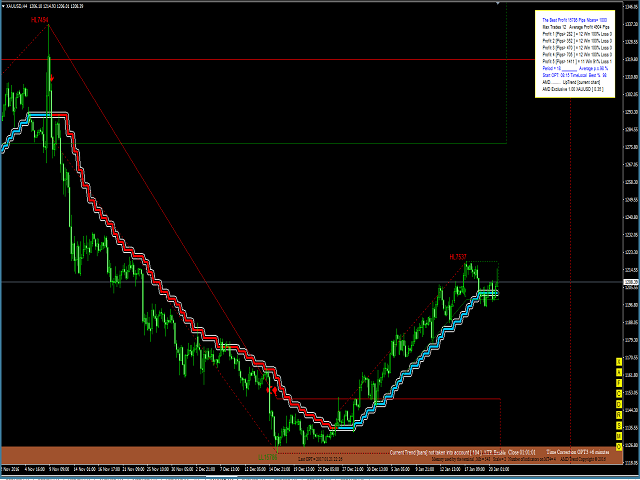
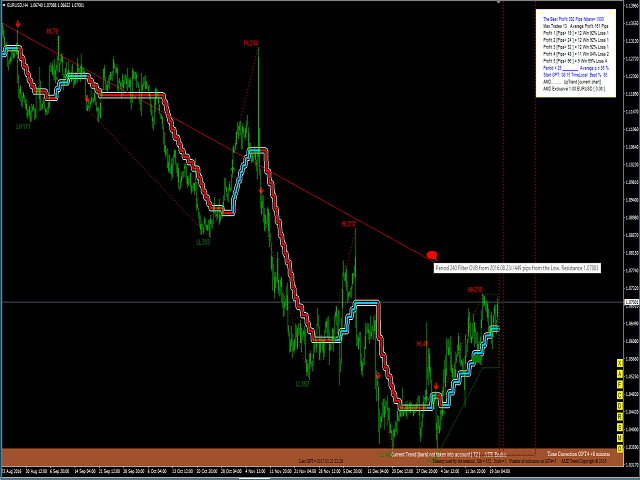
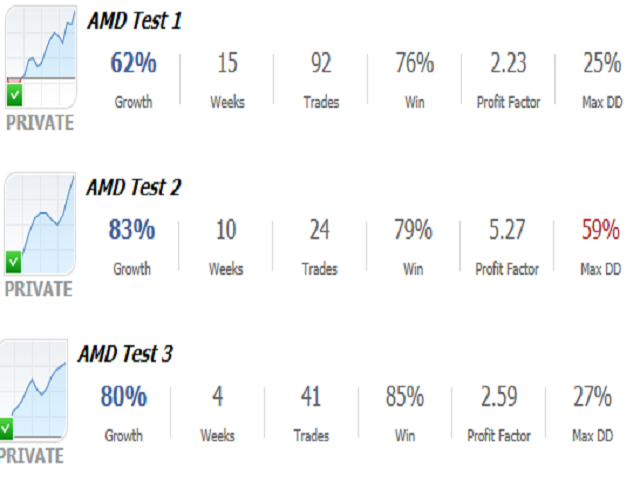
AMD Exclusive characterized by high efficiency and can constitute a complete system. Indicator based on Price Action, Statistics and Overbalance. We encourage you to study indicator on its own until you know the tendencies of how it behaves relative to price movement. Indicator automatically optimizes time frame M15, M30, H1, H4, D1 and W1 (press the button [O] on the chart). Filter OVB (overbalance) has three modes:
- Manual [button F on chart].
- Semi-automatic [button F on chart].
- Automatic [button A on chart].
There is no need to sit long hours in front of the computer - you can trade even when you far away from your computer.
Requirements
- Computer monitor from 21-inch to 27-inch - recommended (for comfortable operation).
- Memory 4 GB RAM or higher - recommended.
- Basic knowledge in the Forex trading.
Button On Chart
- Button [A]: Overbalance - automatic.
- Button [F]: filtering of trend based on the Overbalance (manual and semi-automatic).
- Button [C]: enable/disable the fixed scale mode.
- Button [D]: delete indicator.
- Button [R]: reset.
- Button [S]: size snake.
- Button [M]: money management.
- Button [O]: start optimization from M15 to W1.
Input Parameters
- ID - chart ID.
- Method to Determine Trend - price action/indicator/auto.
- Number of the analyzed bars [Nbars on chart] - e.g. 480 bars H1 = 20 days.
- AMD Trend Period - manual optimization (3,4,5,..28).
- Show Take Profit - true/false.
- Automatic Optimization - true/false.
- Start Optimization - the local time of a computer, where the client terminal is running.
- alert - sound alert on chart.
- Push Notifications - Send notification on a mobile phone.
- AMD control.csv - Using the defined command types you can create commands in csv file.
- Email - Send alert via e-mail.
- Show all optimization results- true/false. False-delete all optimization results.
- Size digits on chart - only red and green digits.
- Color Trend [background] - default yellow.
- Sound file (Start Optimization) - Record your own sound effects for indicator.
- Sound file (End Optimization) - Record your own sound effects for indicator.
Automatic Optimization
- Start Automatic Optimization:
- Automatic Optimization = true (first start).
- Start Optimization = Time Local (sound "wait.wav").
- Change Time frame.
- Button [O] on chart.
- Automatic Optimization doesn't work in strategy tester.
Transferring Files
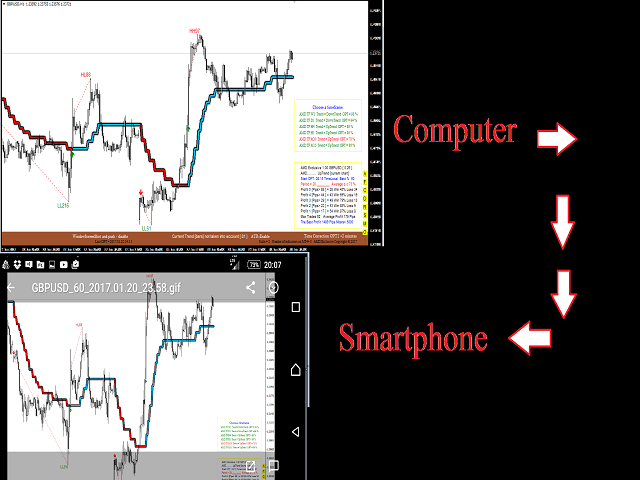
Transferring files between your smartphone and indicator and vice versa. How does this work? Send a command from your smartphone and get screenshots of the chart. Required application that synchronizes and backs up files such as photos, documents, and e-mails between desktops, laptops, servers, and external drives. More details? Please write to me.
Enter the command:
- 1 = WindowScreenShot and push if candle closed [one-off event].
- 2 = WindowScreenShot and push if candle closed [continuous event].
- 3 = WindowScreenShot and push if candle closed [one-off event]+big snake.
- 4 = WindowScreenShot and push if candle closed [continuous event]+big snake.
- 5 = WindowScreenShot and push [one-off event] return 0.
- 6 = Timeframe M15(15) return 0.
- 7 = Timeframe M30(30) return 0.
- 8 = Timeframe H1(60) return 0.
- 9 = Timeframe H4(240( return 0.
- 10 = Timeframe D1(1440) return 0.
- 11 = Reset and small snake return 0.
- 0 = Disable.
File will be created in the folder MQL4Files.
 nload="if(window.viewGallery_GalleryManager) viewGallery_GalleryManager.ImageonLoad(this,7);" />
 nload="if(window.viewGallery_GalleryManager) viewGallery_GalleryManager.ImageonLoad(this,8);" />
 nload="if(window.viewGallery_GalleryManager) viewGallery_GalleryManager.ImageonLoad(this,9);" />
本店最新上架
-
- MT4 MT5跟单EA 本地跟单远程跟单 绝不

- ¥1100.00
-
- 在MetaTrader市场购买MetaTrader 5的&#

- ¥3988.00
-
- 在MetaTrader市场购买MetaTrader 5的&#

- ¥3988.00
-
- 在MetaTrader市场购买MetaTrader 5的&#

- ¥3988.00
-
- 在MetaTrader市场购买MetaTrader 5的&#

- ¥3988.00
全网为您推荐
-
- AlgoTradeSoft

- ¥3988.00
-
- 国际期货套利软件

- ¥3988.00
-
- MT4 MT5跟单EA 本地跟单远程跟单 绝不
- ¥1100.00
-
- 在MetaTrader市场购买MetaTrader 5的&#
- ¥3988.00
-
- 在MetaTrader市场购买MetaTrader 5的&#
- ¥3988.00


