 客服热线:
 手机版
 二维码





































HandMarket
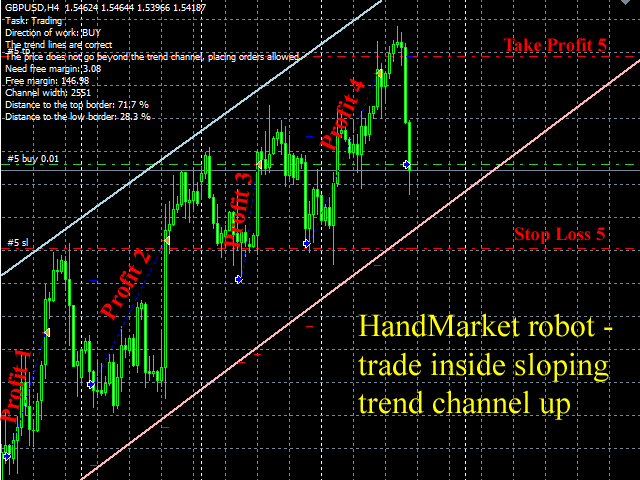
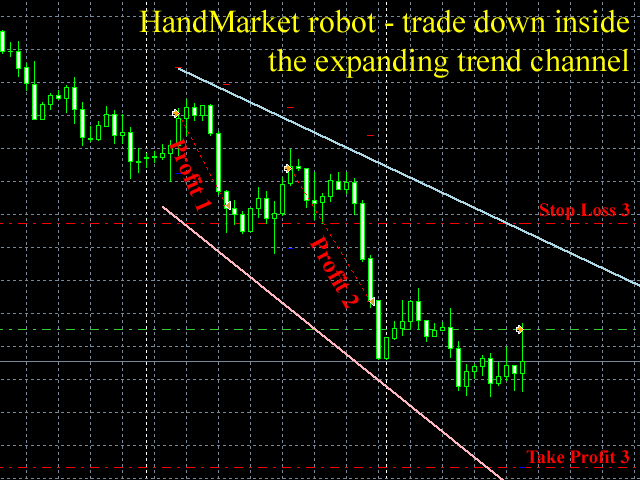
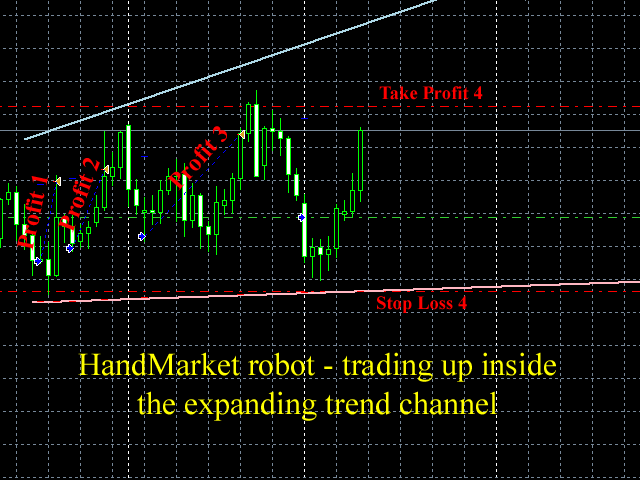
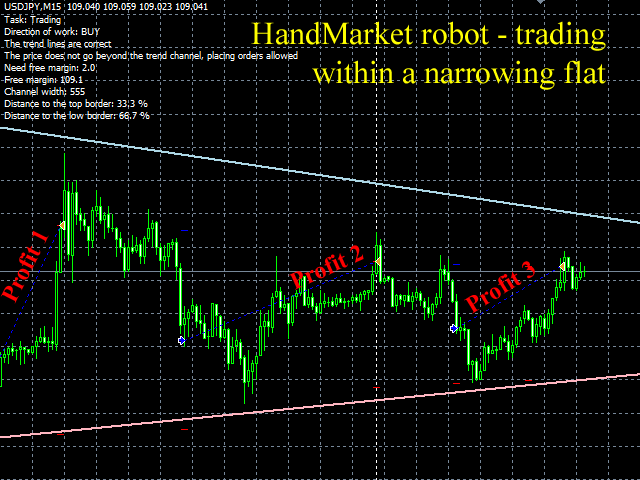
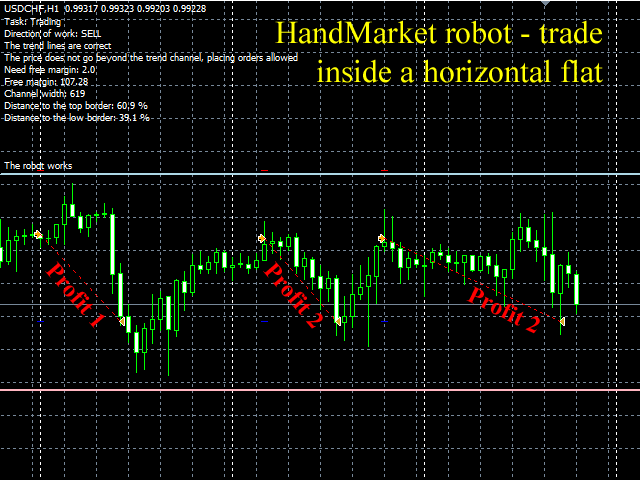
HandMarket is an interactive trading robot. It works inside various market formations (descending and ascending trend channel, horizontal, narrowing or expanding flat, triangle, flag, etc.) The lines limiting these formations should be set by the user.
Strategy Features
Computer algorithms cannot precisely determine trend channels and other market shapes. only a human can do it correctly. Using this robot, a person can draw a selected shape on the chart and trade inside the selected area. When price leaves the area, the logic of the selected strategy changes, so trading stops until you specify a new figure. The robot places trend following orders inside the specified area. The robot then manages the placed order: it automatically adjusts stop loss and take profit as time passes, while the price moves inside the specified area.
Testing Results
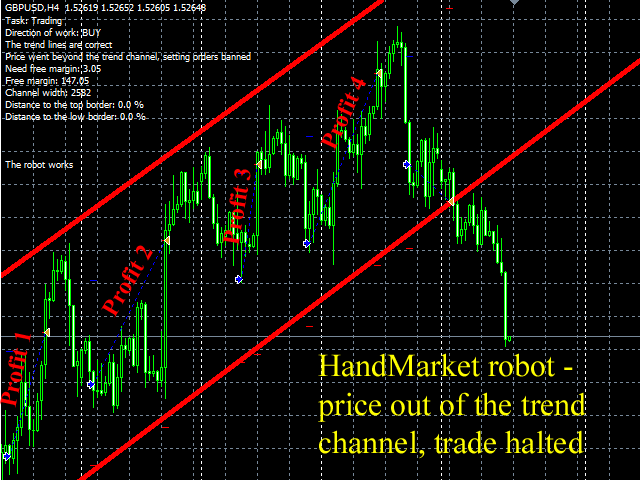
The robot works on all currency pairs and timeframes without reconfiguring or optimization, you can set any lot value. When a market shape is properly set, the robot should have a few profitable trades and one losing one within a trading cycle (see the screenshots). A losing trade results from exiting the specified area against the trend. Testing on a real account was recorded as a video. The video report is available here.
Main Parameters
- Magic number - orders ID (use different values if you run several instances of the robot in one terminal);
- Task - current task (Trading, Setting the trend lines, Reset to initial conditions);
- Language messages - English, Russian;
- Direction of work - only BUY or only SELL);
- Lot - lot value;
- Criteria (%) - distance to the limit line (% of the channel width), where an order should be placed;
- Step change goals (pips) - target moving step for s placed order when limit lines are moved manually (points).
Recommended Usage
The robot can be used on 5 and 4 digit quotes. Initial deposit from 10$. Currency pair - any, timeframe - any. For a minimum deposit use timeframe M1 with the lot value 0.01.
There are 2 steps of launching the robot:
1. Manual setting of trend (limiting) lines. For this purpose the Task parameter is set to Setting the trend lines (manual setting of trend lines). At the beginning the robot draws two trend lines. The user specifies the borders of a market shape on a selected pair using these lines. See the video to learn more.
2. Starting the operation mode. If a trend on a higher timeframe is directed upward, the Direction of work parameter should be set to only BUY, in case of a down trend, set it to only SELL. The Task parameter should be set to Trading. The robot starts working and places orders.
The robot trades while the price is moving inside the specified market figure. It stops working if the price leaves the area. At that the borders turn red. A new market shape for a selected pair is required to relaunch the robot (or you can switch to another pair for which there is an appropriate formation). The Task parameter is set to Setting the trend lines again, a new market formation is manually specified using the lines, the Direction of work parameter is checked, and the trading process is relaunched, setting Task to Trading.
If you need to work with initial settings (setting the lines to their initial position), launch the robot with Task set to Reset to initial conditions for a while.
Please contact me if you have an y questions. I will be glad to help you install and configure the robot.
本店最新上架
-
- MT4 MT5跟单EA 本地跟单远程跟单 绝不

- ¥1100.00
-
- 在MetaTrader市场购买MetaTrader 5的&#

- ¥3988.00
-
- 在MetaTrader市场购买MetaTrader 5的&#

- ¥3988.00
-
- 在MetaTrader市场购买MetaTrader 5的&#

- ¥3988.00
-
- 在MetaTrader市场购买MetaTrader 5的&#

- ¥3988.00
全网为您推荐
-
- AlgoTradeSoft

- ¥3988.00
-
- 国际期货套利软件

- ¥3988.00
-
- MT4 MT5跟单EA 本地跟单远程跟单 绝不
- ¥1100.00
-
- 在MetaTrader市场购买MetaTrader 5的&#
- ¥3988.00
-
- 在MetaTrader市场购买MetaTrader 5的&#
- ¥3988.00


