客服热线:
客服热线: 手机版
手机版 二维码
二维码
































Infinity TradeUtility TL
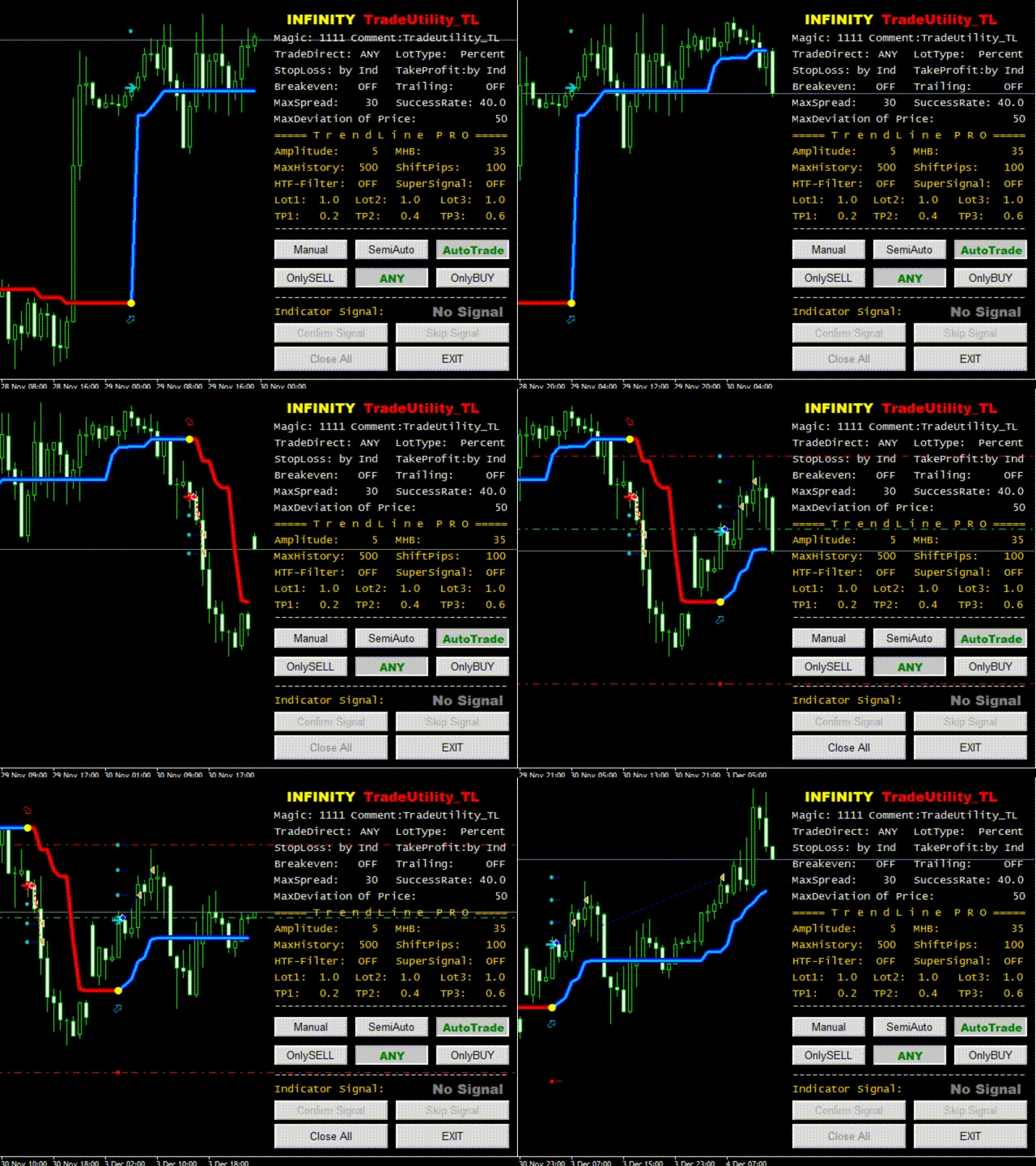
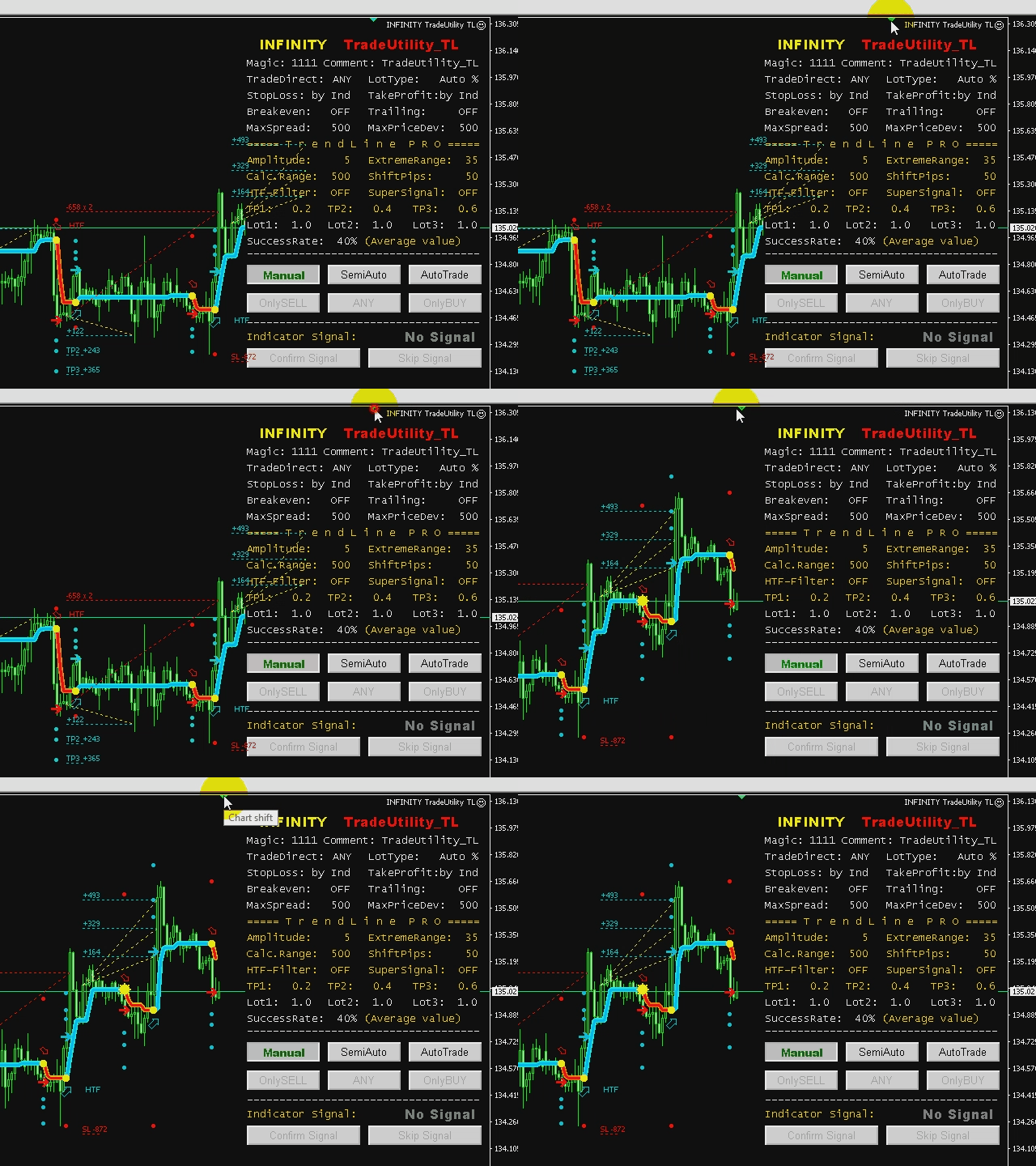
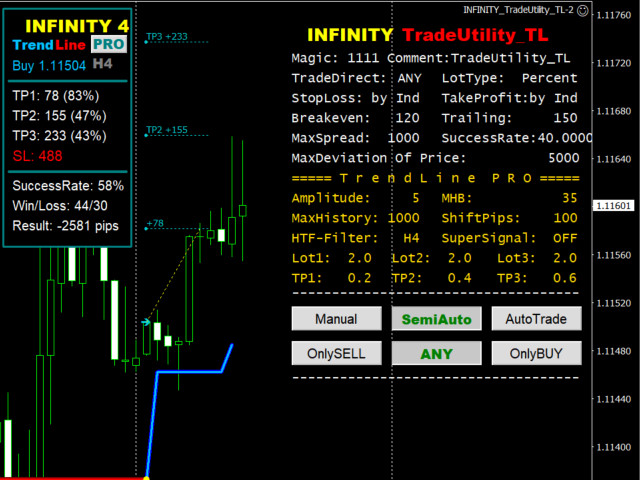
The Utility for managing orders in manual/semi-automatic/automatic modes by INFINITY TrendLine PRO indicator signals.
MANUAL for INFINITY TradeUtility_TL (ENG): DOWNLOAD
My other FX tools: https://www.mql5.com/en/users/neurofx/seller
To test the demo version, switch the "Trade Mode" to the "AUTO" mode.
importANT:
1. The utility requires a purchased or rented version of the INFINITY TrendLine PRO indicator (located in the Indicators/Market folder).
2. You should add the indicator and utility to the chart and set the same parameters of the indicator and utility.
3. In the utility settings, select the priority of the TakeProfit and StopLoss levels ("Indicator" setting or "TradeUtility" setting ). In the "TradeUtility" setting priority mode the target levels SL and TP will be achieved according to the selected in the utility settings, but the chart will display the indicator levels. The utility can trade without attaching the main indicator to the chart, but when selecting the default indicator parameters, it will refer to the infinity TrendLine PRO indicator (with its basic settings) available in the Indicators/Market folder. Therefore, we recommend that you always apply individual indicator and utility settings for each chart and save them with the extension *.set
4. In manual mode (MANUAL), the utility does not perform trading operations on its own, but notifies by available means (alert/Push/email) about a new indicator signal, after which the user makes an independent decision to support the signal (push the "Confirm Signal" button) or reject it (push the "Skip Signal" button). One can do this only during the current bar on which the signal was received.However, when activating the "Close the deal at the opposite signal" flag, the activation of the deal is available at any time at the worst or best price.
5. In semi-automatic mode (Semi Auto), the user can choose the direction for the next transaction (OnlySELL/ANY/OnlyBUY). If you select SELL or BUY, the automatic entry will be made only when the corresponding indicator signal is received. Any signal received will be executed in ANY mode. After entering the trade and automatical placing the target levels, the utility will switch to manual mode. To reactivate the semi-automatic mode, press the "SemiAuto" key.
6. In automatic mode, the utility will log in and out of the trade as a regular Expert. Meanwhile, the user can switch to another mode at any time.
7. Trades opened in any of the three modes are not deleted when switching from one mode to another, but can be simultaneously removed with the fixation of the trade result by pressing the CloseALL button. The user can also remove the utility from the chart by pressing EXIT.
importANT!!! Do not change the timeframe of the chart during the operation of the utility and open trades in particular, as this will lead to a failure in the synchronous operation of the indicator and the utility. For a preliminary analysis of the trading situation, use a free chart with an indicator (without the utility). Test the utility on a demo account for a few days before you start trading on a real account. We are not responsible for any losses in any way related to our products. We do not guarantee the receipt of profit as well. The User is takes all risks of financial loss of the Deposit.
The current version of INFINITY Trade Utility TL works only with the indicator Trendline PRO and is a Beto version, all errors in the utility immediately report to profitcamp@mail.ru (screenshots and log file of the expert should be attached). We will do everything to correct any errors as soon as possible.




本店最新上架
-
- MT4 MT5跟单EA 本地跟单远程跟单 绝不

- ¥1100.00
-
- 在MetaTrader市场购买MetaTrader 5的&#
- ¥3988.00
-
- 在MetaTrader市场购买MetaTrader 5的&#
- ¥3988.00
-
- 在MetaTrader市场购买MetaTrader 5的&#

- ¥3988.00
-
- 在MetaTrader市场购买MetaTrader 5的&#

- ¥3988.00
全网为您推荐
-
- AlgoTradeSoft

- ¥3988.00
-
- 国际期货套利软件

- ¥3988.00
-
- MT4 MT5跟单EA 本地跟单远程跟单 绝不
- ¥1100.00
-
- 在MetaTrader市场购买MetaTrader 5的&#
- ¥3988.00
-
- 在MetaTrader市场购买MetaTrader 5的&#
- ¥3988.00