客服热线:
客服热线: 手机版
手机版 二维码
二维码






























AMD Exclusive Two
One of the biggest problems you will face as trader is finding the right system for myself.
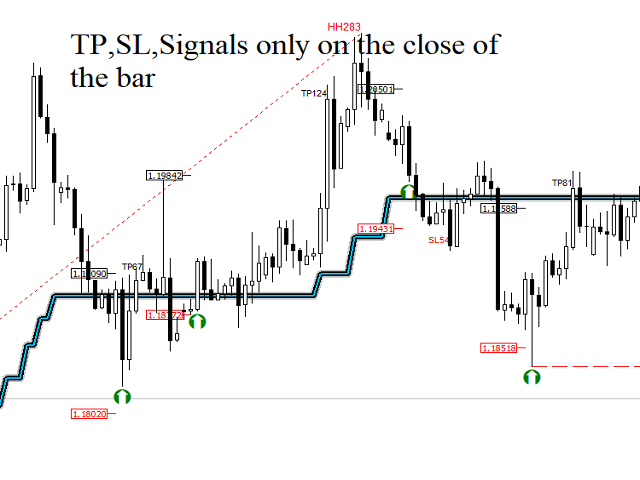
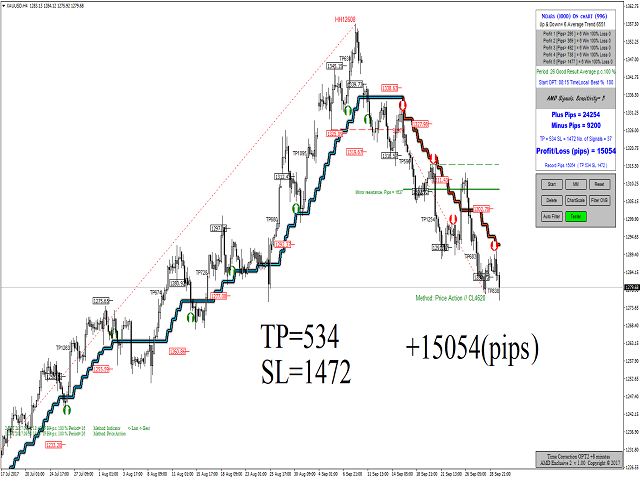
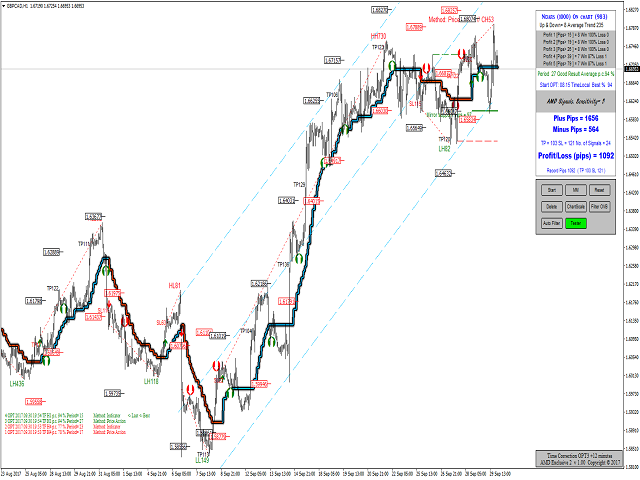
AMD Exclusive Two can constitute a complete system for you.
What we have?
- Automatic optimization
- Overbalance (manual, semi-automatic and automatic)
- Main and additional signals
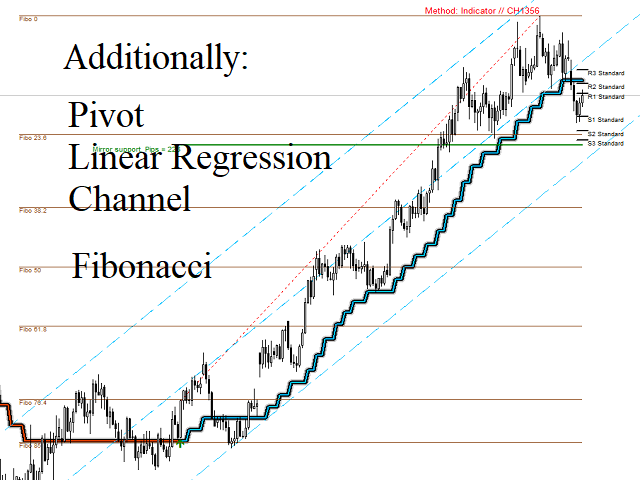
- Fibonacci
- Pivot
- Linear Regression Channel
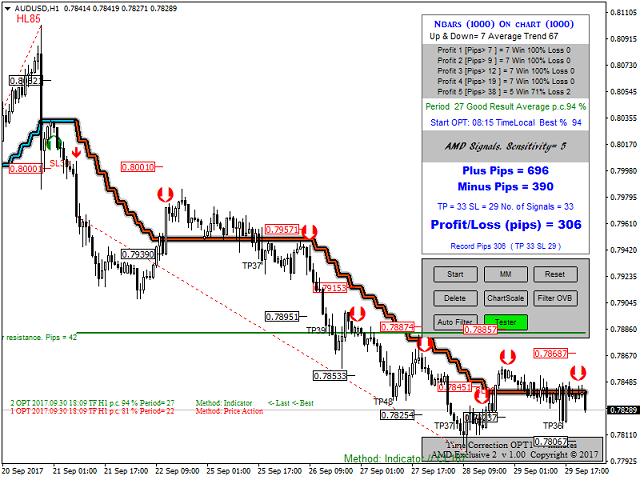
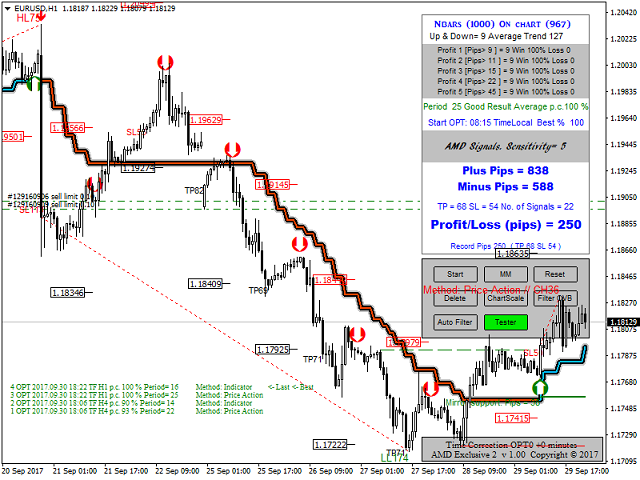
- Mini Tester
- Early warning system (yellow cloud on the chart)
- 3D effect
Button On Chart
- Button [Start] - Start optimization
- Button [MM] - Money management
- Button [Reset] - Reset
- Button [Delete] - Delete indicator
- Button [ChartScale] - Enable/disable the fixed scale mode
- Button [Filter OVB] - Filtering of trend based on the overbalance (manual and semi-automatic)
- Button [Auto Filter] - Filtering of trend based on the overbalance (automatic)
- Button [Tester/Real] - Back testing or current signal
- Button [Indicator] - indicator on chart
- Button [+Channel] - plus channel on chart
- Button [Expansion] - Fibonacci Expansion
- Button [Zig+Fibo] - ZigZag and Fibonacci
- Button [ATF] - additional timeframe
- Button [SR] - support and resistance
Input Parameters
- ID - chart ID.
- Method to Determine Trend - Statistical Analysis/Price Action/Auto/Indicator
- History depth according to:
- Bars - Maximum number of bars used
- Date - Maximum number of bars used by date (if Bars = 0)
- AMD Trend Period - Manual optimization (3,4,5,..28)
- Automatic Optimization - true/false
- Start Optimization - The time local of a computer, where the client terminal is running
- alert - Enables sound alerts
- Push Notifications - Enables smart phone alerts
- Command Manager - You can also perform configurations using CSV files to change the parameter values. View the command repository, which contains all commands available on the system
- Email - Enables email alerts
- Screenshot - Enables screenshot for each signal
- Report - This report shows the optimization results on chart
- Shift - parameter for an additional chart
- Bars - parameter for an additional chart
- Body color of a bull candlestick - parameter for an additional chart
- Body color of a bear candlestick - parameter for an additional chart
- SR color of level lines (high) - color for support and resistance
- SR color of level lines (low) - color for support and resistance
- Fibo color of level lines - Fibonacci color of level lines
- Rectangle - display in the foreground (false) or background (true)
- Depth for Zig Zag - 14 bars by default
- Fibo values of lines - 13 levels
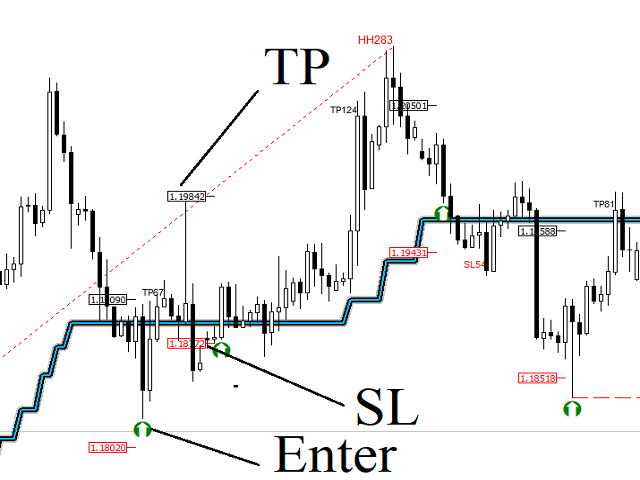
- Take Profit - Take profit on chart
- Stop Loss - Stop loss on chart
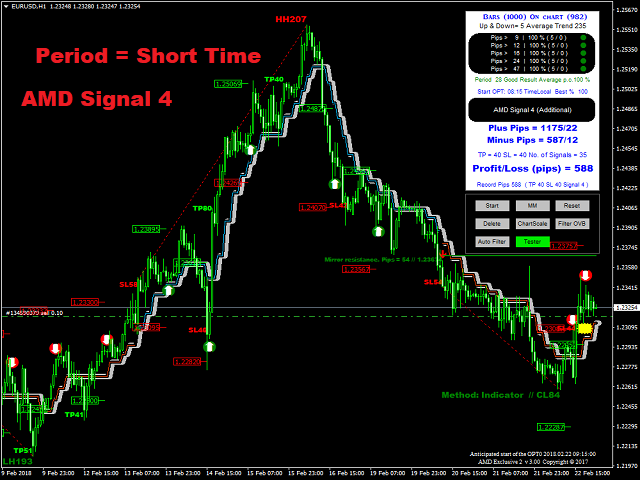
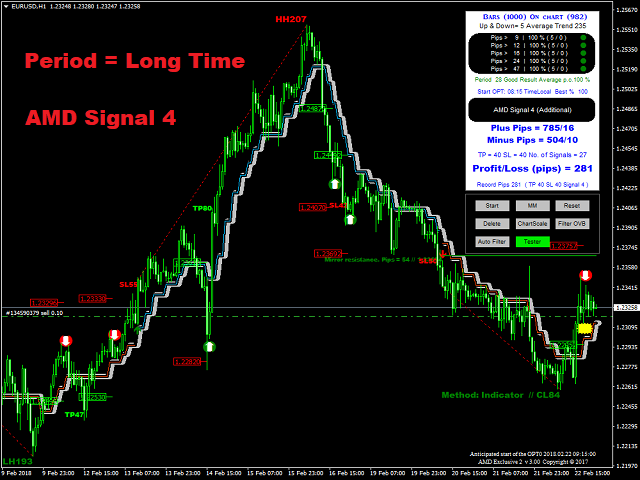
- Period - Short Time/Long Time
- Signal - Choice of signal
Automatic Optimization
- Start automatic optimization:
- Automatic optimization if true
- Start optimization
- Change time frame
- Button [Start] on chart
- Automatic optimization doesn't work in strategy tester
Command Manager
Transferring files between your smartphone and indicator and vice versa. How does this work? Send a command from your smartphone and get screenshots of the chart. Required application that synchronizes and backs up files such as photos, documents, and e-mails between desktops, laptops, servers, and external drives. More details? Please write to me.
Command repository:
- 1 = WindowScreenShot if close of the bar (one-off event)
- 2 = WindowScreenShot if close of the bar (continuous event)
- 3 = Start optimization
- 4 = Signal
- 5 = WindowScreenShot (one-off event)
- 6 = Timeframe M15 (15)
- 7 = Timeframe M30 (30)
- 8 = Timeframe H1 (60)
- 9 = Timeframe H4 (240)
- 10 = Timeframe D1 (1440)
- 0 = Disable
File will be created in the folder MQL4Files.

 nload="if(window.viewGallery_GalleryManager) viewGallery_GalleryManager.ImageonLoad(this,7);" />
 nload="if(window.viewGallery_GalleryManager) viewGallery_GalleryManager.ImageonLoad(this,8);" />
 nload="if(window.viewGallery_GalleryManager) viewGallery_GalleryManager.ImageonLoad(this,9);" />
本店最新上架
-
- MT4 MT5跟单EA 本地跟单远程跟单 绝不

- ¥1100.00
-
- 在MetaTrader市场购买MetaTrader 5的&#
- ¥3988.00
-
- 在MetaTrader市场购买MetaTrader 5的&#
- ¥3988.00
-
- 在MetaTrader市场购买MetaTrader 5的&#
- ¥3988.00
-
- 在MetaTrader市场购买MetaTrader 5的&#

- ¥3988.00
全网为您推荐
-
- AlgoTradeSoft

- ¥3988.00
-
- 国际期货套利软件
- ¥3988.00
-
- MT4 MT5跟单EA 本地跟单远程跟单 绝不
- ¥1100.00
-
- 在MetaTrader市场购买MetaTrader 5的&#
- ¥3988.00
-
- 在MetaTrader市场购买MetaTrader 5的&#
- ¥3988.00