 客服热线:
 手机版
 二维码






































JTM MultiView Scanner With Watchlist Lite Version
This utility allows to quickly scan markets on different timeframes without dragging symbols from Market Watch. It supports multi timeframe analysis, i.e. three different timeframes can be scanned.
Additionally, it saves objects drawn on a chart to a file and synchronizes them between other windows.
Also, this utility will automatically save all objects and drawing to a file and restore when switching back; also, the template will be loaded on other charts, too.
The watchlist is based on instruments listed on Market Watch. There is no need to create a text file like with an old version. The watchlist can be sorted by personal preferences and this will reflect on the indicator watchlist as well.
The pro version is available here: https://www.mql5.com/en/market/product/20382
Usage
- First off all, charts need to be linked to get switching/syncing mode.
- After initiation, pick a chart, which needs to be linked by clicking on it.
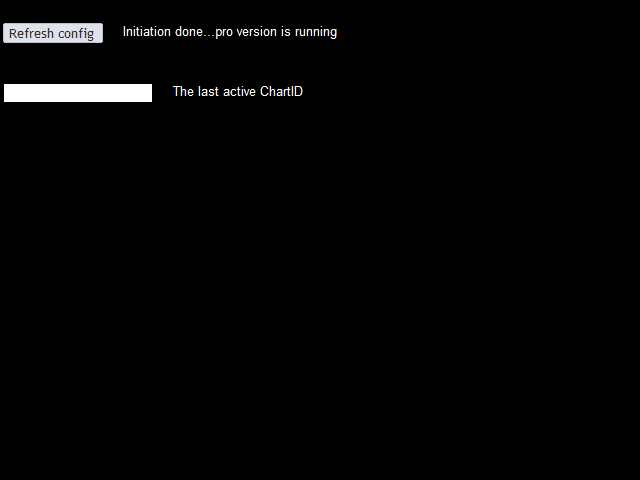
- The chart ID will be captured and pasted into selectable field in the main indicator window.
- Copy and paste this value in the indicator input field by pressing Ctrl+I, then Edit on the indicator list.
- ChartID1 field should not be empty, otherwise chart changes will not be synced and saved.
- Number of charts that can be linked: 1-3.
- After restarting metaTrader 4, it is advisable to press <Refresh config> button.
only "," and "." keys are used to switch between instruments:
- <.> - going forward
- <,> - going backward
本店最新上架
-
- MT4 MT5跟单EA 本地跟单远程跟单 绝不

- ¥1100.00
-
- 在MetaTrader市场购买MetaTrader 5的&#

- ¥3988.00
-
- 在MetaTrader市场购买MetaTrader 5的&#

- ¥3988.00
-
- 在MetaTrader市场购买MetaTrader 5的&#

- ¥3988.00
-
- 在MetaTrader市场购买MetaTrader 5的&#

- ¥3988.00
全网为您推荐
-
- AlgoTradeSoft

- ¥3988.00
-
- 国际期货套利软件

- ¥3988.00
-
- MT4 MT5跟单EA 本地跟单远程跟单 绝不
- ¥1100.00
-
- 在MetaTrader市场购买MetaTrader 5的&#
- ¥3988.00
-
- 在MetaTrader市场购买MetaTrader 5的&#
- ¥3988.00


