 客服热线:
 手机版
 二维码





































Trend Hunter Indicator
Trend Hunter is an advanced trend detection indicator which shows accurate entry points in
direction of trend.


ta itemprop="image" content="https://c.mql5.com/31/357/trend-hunter-indicator-screen-6379.png" />
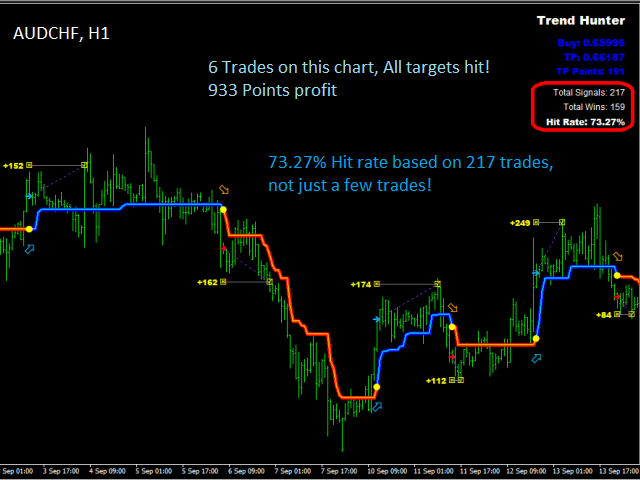
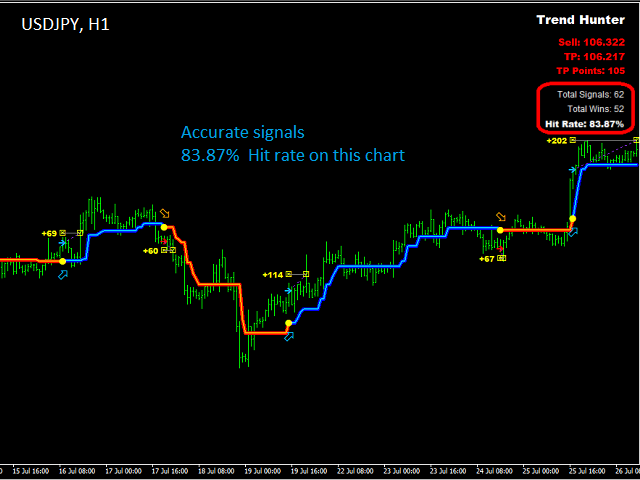
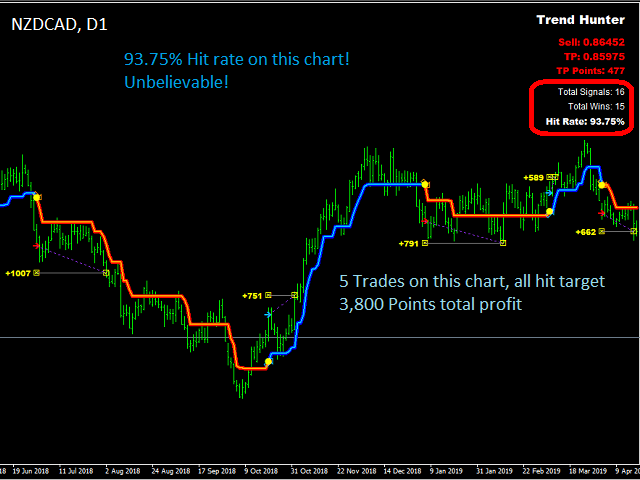
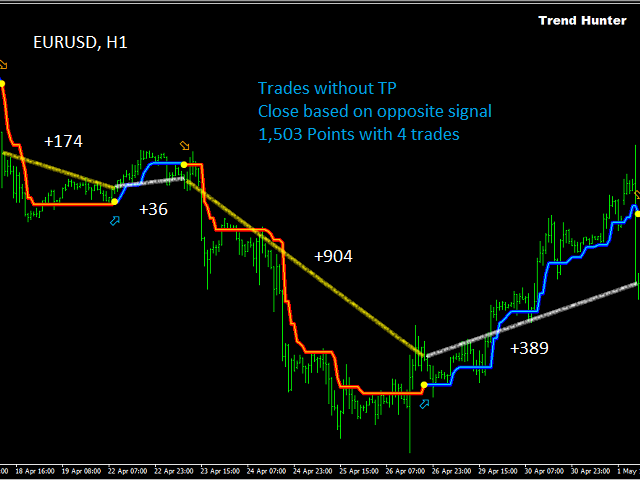
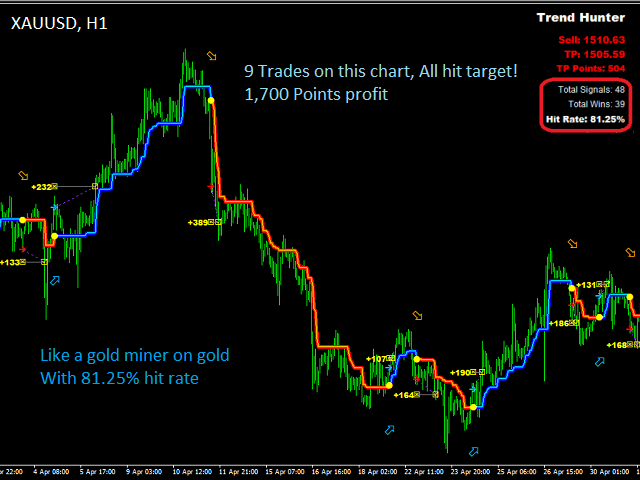
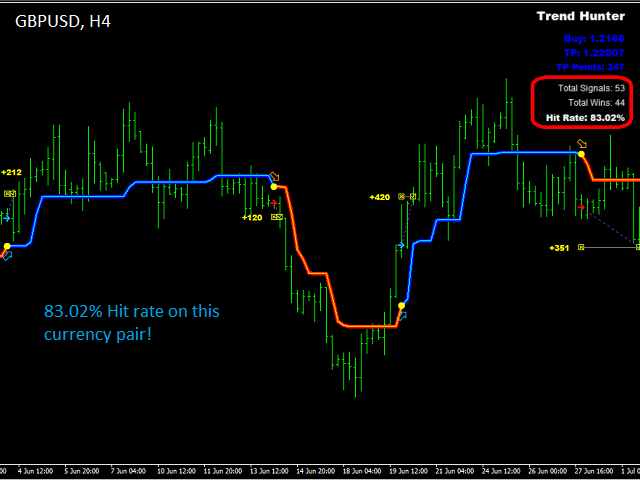
It uses smart technology in order to detect entry points, trend changing points, and TP points. It also shows hit rate for current chart using selected parameters.
Hit rate for this indicator on different charts can be 80% or even higher!
Trend hunter can even be used in choppy markets. It has built-in algorithms which will be successful in any market.
Some features of Trend Hunter indicator:
- Works on all timeframes and currency pairs.
- Doesn’t repaint at all. All calculations are made on bar close. Signals only appear on bar open.
- Customizable settings and colors.
- Built-in alert so that you don’t miss any opportunities.
- Clearly shows trend so that you don’t enter in the wrong direction.
- Can be integrated in Expert Advisors.
How to use this indicator?
You must have these in mind
- You can use this indicator on any chart and timeframe, but we recommend using it on higher timeframe charts which show more than 66% hit rate for past trades.
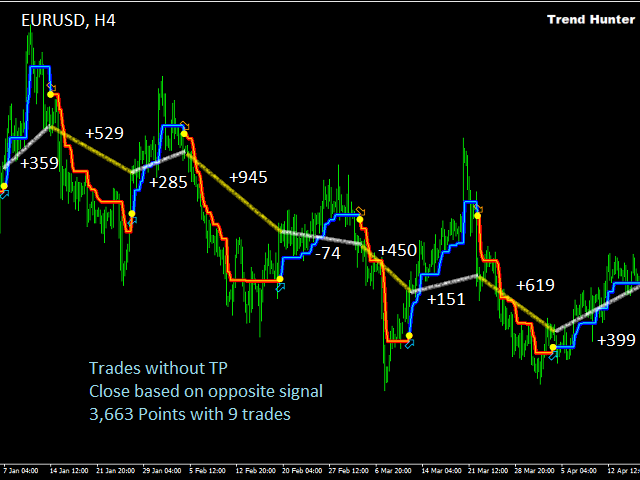
- You can use TP points shown by the indicator or you can have no TP, this way you should close the trade on opposite entry signal.
- You can use your desired SL or you can close the trades on opposite entry signal.
Indicator parameter
- Period Multiplier – Enter your desired multiplier for indicator period. Recommended choice is between 0.5 and 3.
- TP Multiplier – Enter your desired multiplier for TP. Recommended choice is between 0.5 and 2.
- Enable alert – Choose true if you would like pop-up alerts with sound when a signal is shown on chart.
- Show Trade Direction Arrows – Choose true if you want to show arrows for trend changing points.
- Trade Direction Arrow Distance – Number of pips for the distance between trade direction arrows and the price.
- Show Entry and TP – Choose true to show exact entry price and TP for these entries on chart.
- Show Win/Loss Points – Choose true to show the amount of win/loss points on chart.
- Statistics Dashboard Corner – Choose 0 to show past trades statistics and also last trade information on left corner of the chart, choose 1 for right corner of the chart.
The rest of the parameters include color choice for all objects shown on chart, which don’t require any further explanations.
 nload="if(window.viewGallery_GalleryManager) viewGallery_GalleryManager.ImageonLoad(this,7);" />
本店最新上架
-
- MT4 MT5跟单EA 本地跟单远程跟单 绝不

- ¥1100.00
-
- 在MetaTrader市场购买MetaTrader 5的&#

- ¥3988.00
-
- 在MetaTrader市场购买MetaTrader 5的&#

- ¥3988.00
-
- 在MetaTrader市场购买MetaTrader 5的&#

- ¥3988.00
-
- 在MetaTrader市场购买MetaTrader 5的&#

- ¥3988.00
全网为您推荐
-
- AlgoTradeSoft

- ¥3988.00
-
- 国际期货套利软件

- ¥3988.00
-
- MT4 MT5跟单EA 本地跟单远程跟单 绝不
- ¥1100.00
-
- 在MetaTrader市场购买MetaTrader 5的&#
- ¥3988.00
-
- 在MetaTrader市场购买MetaTrader 5的&#
- ¥3988.00


