 客服热线:
 手机版
 二维码





































Open Orders Engineering Panel
Open Orders Engineering Panel
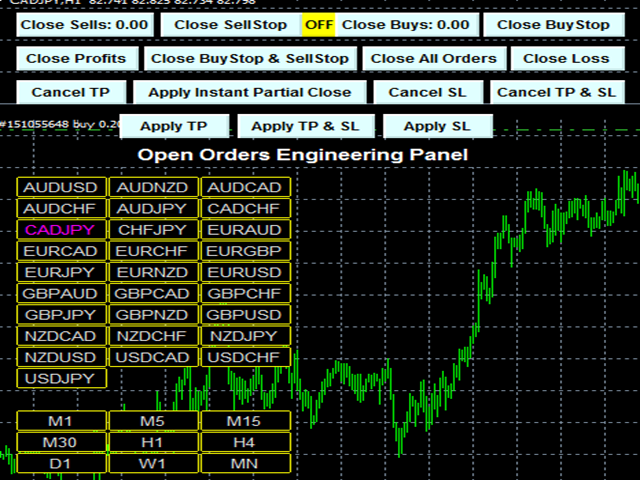
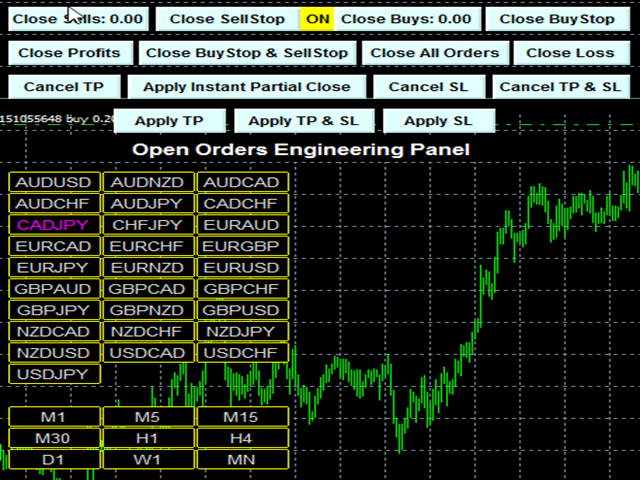
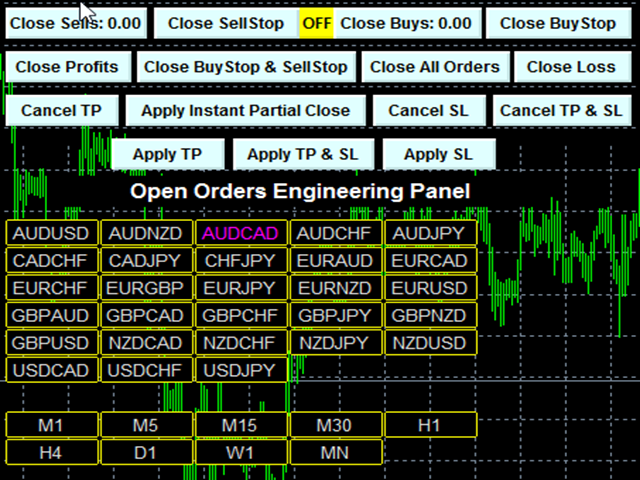
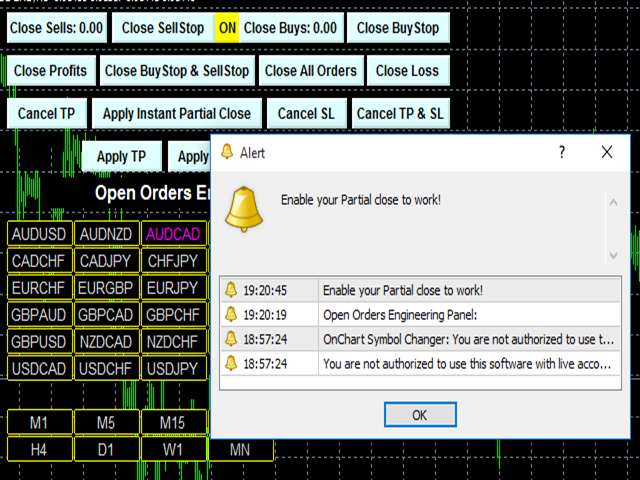
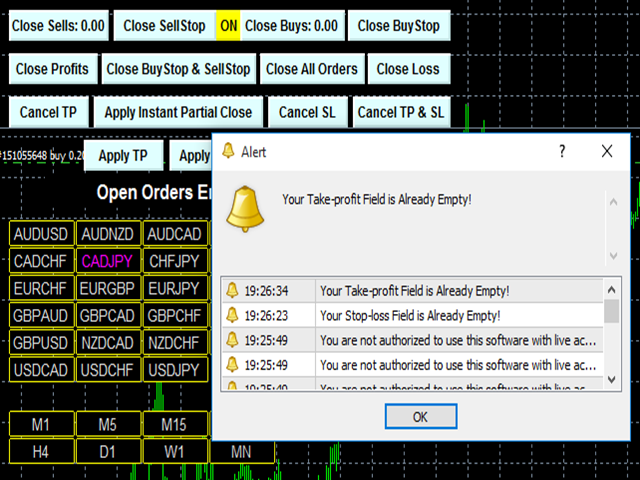
This Utility is NOT created to open any order or trade for Traders but to manage open orders in diverse ways with these 15 different functions On-chart BUTTONS features:
- Apply TP: Apply Take-Profit to any order without take-profit
- Apply SL: Apply Stop-loss to any order without stop-loss
- Apply TP and SL: Apply both Take-Profit and Stop-loss to any order without them
- Cancel TP: You can cancel your Take-profit
- Cancel SL: You can cancel your Stop-loss
- Cancel TP and SL: You can cancel both Take-profit and Stop-loss
- Apply Instant Partial Close: Close a part of your open order’s lot size to reduce the lot size and to lock in some profit from the one already made.
- Close Buy: Closes buy order
- Close Sell: Closes sell order
- Close Buystop: Closes buystop pending order
- Close Sellstop: Closes sellstop pending order
- Close Buystop and Sellstop: Closes both buystop and sellstop pending order
- Close All Orders: Closes all opened orders
- Close Profit: Closes all open orders with profit
- Close Loss: Closes all open orders with loss
- It has ON and OFF feature so that there won’t be any mistake in closing or canceling any of your open orders.
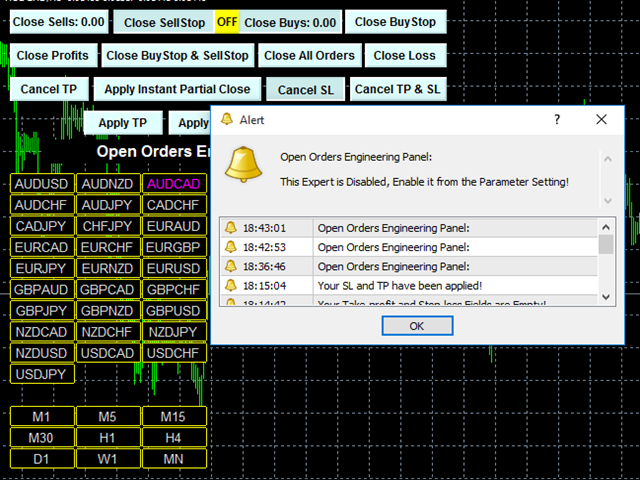
As for the Partial close, you must enable it from the parameter setting before it can work, this was done to prevent mistakes. Then you must
enter the number to divide your total initial lot size in to the field provided, take for instance, if your total initial lot size is 2.0 and you
want to reduce it to 1.0, you will enter 2 into the field provided, this will divide your 2.0 into 2 making it 1.0, if you want to reduce it to 1.50,
you will enter 4, meaning that it will remove 1/4 of the total initial lot size from it which is 0.50 and the rest would be 1.50. I do hope you got
this explanations right.
This is a fantastic utility to manage your open orders without tears.
PLUS (+)
Symbol and Time frame Changer
This will assist the Traders to easily switch from one currency pair to another and also to change from one time frame to another. By this, you can move from one currency pair open order to another to manage it as you desire.
As you use this expert to manage your orders, enjoy.
Cheers

本店最新上架
-
- MT4 MT5跟单EA 本地跟单远程跟单 绝不

- ¥1100.00
-
- 在MetaTrader市场购买MetaTrader 5的&#

- ¥3988.00
-
- 在MetaTrader市场购买MetaTrader 5的&#

- ¥3988.00
-
- 在MetaTrader市场购买MetaTrader 5的&#

- ¥3988.00
-
- 在MetaTrader市场购买MetaTrader 5的&#

- ¥3988.00
全网为您推荐
-
- AlgoTradeSoft

- ¥3988.00
-
- 国际期货套利软件

- ¥3988.00
-
- MT4 MT5跟单EA 本地跟单远程跟单 绝不
- ¥1100.00
-
- 在MetaTrader市场购买MetaTrader 5的&#
- ¥3988.00
-
- 在MetaTrader市场购买MetaTrader 5的&#
- ¥3988.00


