 客服热线:
 手机版
 二维码





































OnixPoint
The onixPoint indicator efficiently detects the most appropriate entry in trend with the shorter stoploss. It is based on finding patterns of tasset trend change with respect to future price estimate. It works for any currency pair.
The indicator is designed to facilitate decision-making at position entries. The development team is constantly improving the functionality of the indicator.
Benefits of the Indicator
- Does not repaint.
- Works on all currencies.
- Works on all timeframes.
- It's easy to use.
Indicator parameters
- timeframe = Timeframe.
- alertsonCurrent = true/false - on/off the appearance of the signal on the current or subsequent candlestick.
- alertsMessage = true/false - on/off option to display the panel on the chart.
- alertsSound = true/false - on/off sound alerts when signals appear.
- alertsEmail = true/false - on/off email notifications when signals appear.
- alertNotification = true/false - on/off push notifications to a phone when signals appear. ANDROID / IOS.
- soundfile = Text - parameter that allows you to assign the name of the sound file.
- shift = Int - the number of bars start calculation.
Use Indicator
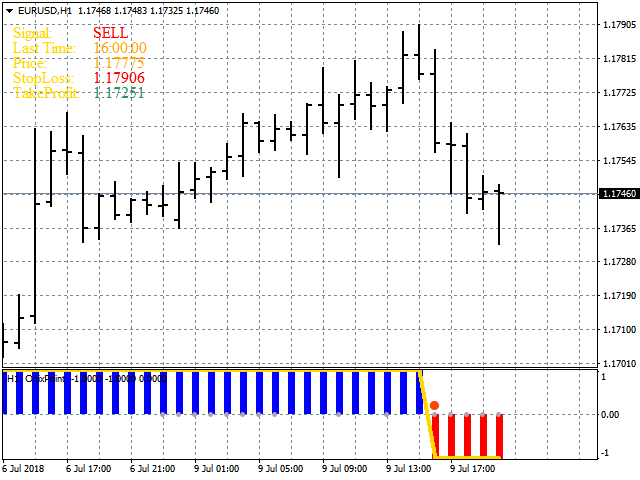
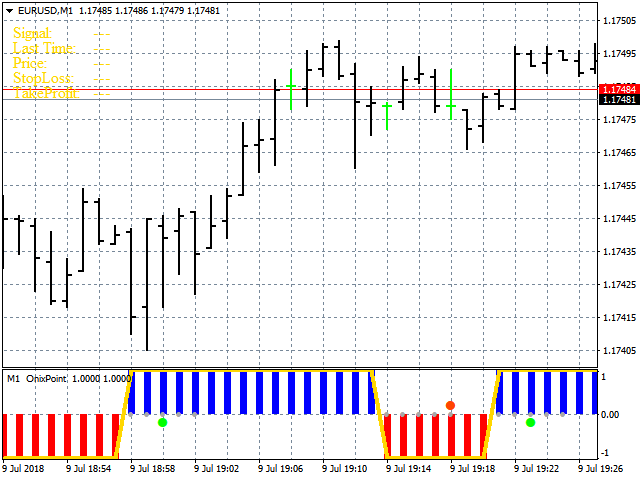
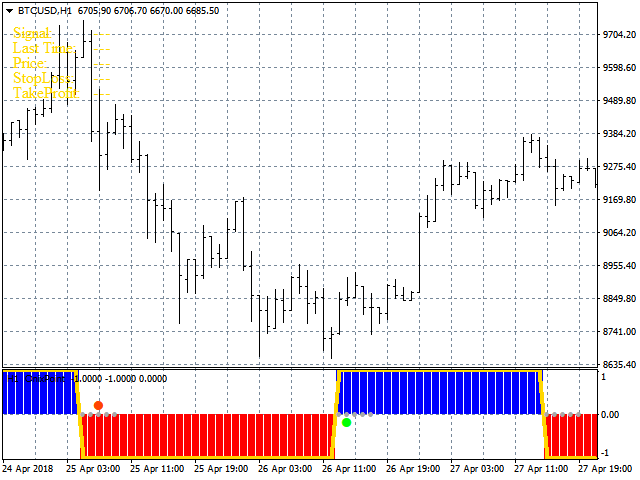
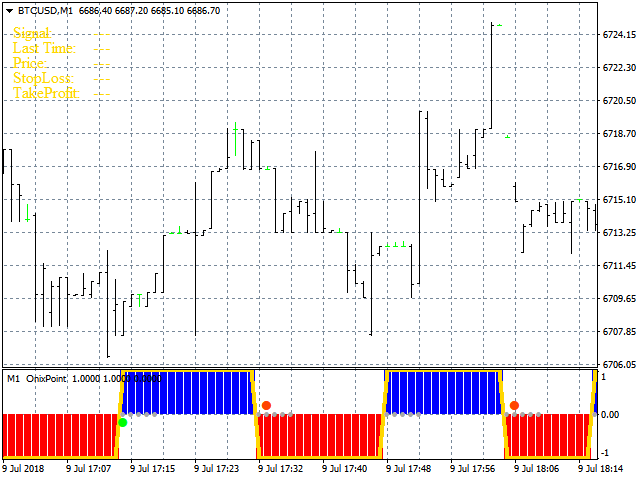
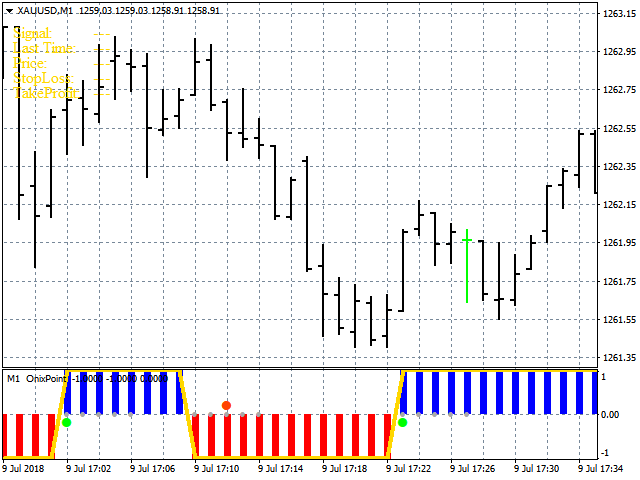
- A buy or sell trade should be performed when a signal appears on the panel or the color point appears in the indicator window.
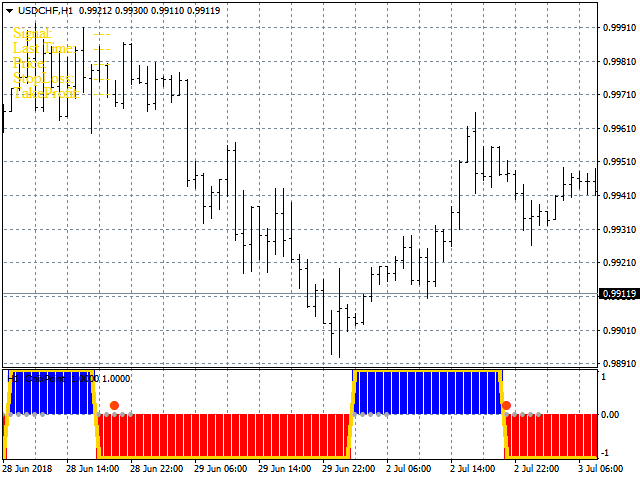
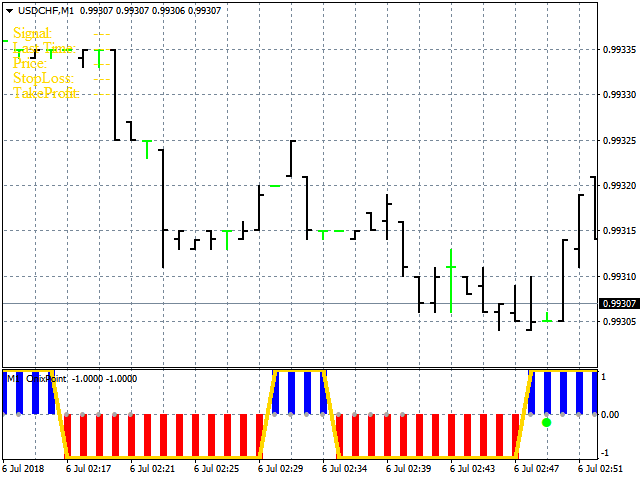
- The blue bars indicate uptrend and red bars are for downtrend.
- Green dot means a Buy entry point and the red dot means Sell.
- The small gray points show security zone for operation. It is not recommended to operate outside gray dots.
- A panel is displayed at the top of the chart. This indicates signal type, signal candlestick, Stop Loss and Take Profit.
- The panel shows suggested Stop Loss and Take Profit.
- The trade should be closed immediately when bars change.

 nload="if(window.viewGallery_GalleryManager) viewGallery_GalleryManager.ImageonLoad(this,7);" />
本店最新上架
-
- MT4 MT5跟单EA 本地跟单远程跟单 绝不

- ¥1100.00
-
- 在MetaTrader市场购买MetaTrader 5的&#

- ¥3988.00
-
- 在MetaTrader市场购买MetaTrader 5的&#

- ¥3988.00
-
- 在MetaTrader市场购买MetaTrader 5的&#

- ¥3988.00
-
- 在MetaTrader市场购买MetaTrader 5的&#

- ¥3988.00
全网为您推荐
-
- AlgoTradeSoft

- ¥3988.00
-
- 国际期货套利软件

- ¥3988.00
-
- MT4 MT5跟单EA 本地跟单远程跟单 绝不
- ¥1100.00
-
- 在MetaTrader市场购买MetaTrader 5的&#
- ¥3988.00
-
- 在MetaTrader市场购买MetaTrader 5的&#
- ¥3988.00


